
 Example
+boom
A drop to random members active in the last 12 hours: the amount is split at random, and nobody gets less than one Star.
+boom 100Star drops, cheques and giveaways in your groups and channels — with commands in the chat and buttons in the bot.
The bot needs the rights to see who is active in the chat, post drop and giveaway cards and check entry conditions. It does not need to delete messages or ban anyone, and it cannot write on your behalf.
ExampleA drop to random members active in the last 12 hours: the amount is split at random, and nobody gets less than one Star.
+boom 100 Example
Seats go to those who press the button with the right emoji on the card. Two mistakes and you are out.
+boom react 100 20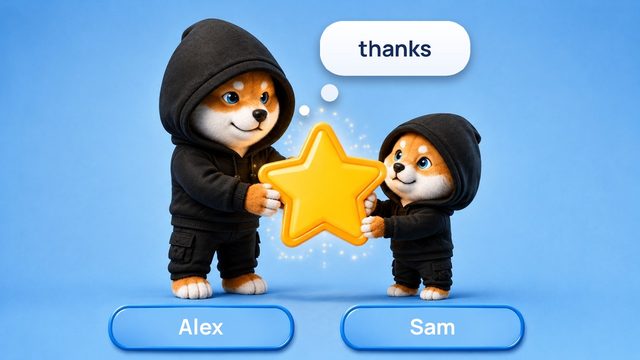 Example
Send Stars to one member as a reply to their message. The words after “stars” appear on the card.
+send 10 stars thanks Example
Stars behind a link — for one person or for many. The link can be sent to any chat.
in the bot: Create a cheque Example
Among your channels' subscribers: the bot posts, checks the entrants and credits the prizes itself.
in the bot: Giveaways Example
For a channel's discussion chat: under every new post a prize is drawn among the commenters.
in the bot: Wallet → Chat drops → My chatsFor reaction drops: how many messages someone has written in the chat, how many days they have been in it, Telegram Premium, an NFT gift.
in the bot: Wallet → Chat drops → My chatsThe wallet in the bot that pays the chat's prizes for activity and in post giveaways. Only your own wallet can pay.
in the bot: Wallet → Chat drops → My chats