
How to play the New Year tree in Telegram
Open the Mini App to grow your own virtual tree and invite friends to your yard. The season runs from November 24, 2026 through January 31, 2027, Moscow time.
You can grow a virtual Christmas tree in the Shiba Bank mini app inside Telegram, decorate it and invite friends to your winter yard. Friends can water your tree and leave gifts under it for midnight on New Year's Eve. See the game page for season dates, growth stages and watering rules.
If you’re looking for Telegram’s tree-shaped gift, its picture, launch date and price are in the New Year gift archive.

How to plant and grow the tree
How to open the game in Telegram
- While the tree is open, use the button above or open the Shiba Bank app in @shiba_bank_app and tap the «New Year tree» tile on its home screen. Your tree is planted when you first open your own yard.
- Tap «Water» during the season. Each watering adds growth and the watering can refills over time.
- Tap the snowflake when «Catch the snowflake!» appears. It adds as much growth as a watering.
When the season starts and what to do if the game won't open
Check the season dates on the game page for the first day you can water and the last day you can play. The watering season follows Moscow time. During a closed test, access is limited to its participants. Check that you opened the mini app from the right Telegram account. You'll need to wait for access if it hasn't opened for you yet.
Starting late? From a date closer to New Year, lower-stage trees get more growth from watering. See the game rules for the date and stage limit.

How to decorate the tree
You decorate the tree in the «Decorate» section:
- Baubles from gifts. The Telegram gifts on your profile become baubles on the tree by themselves.
- Toys, garlands, lights, tinsel, snow, weather, a topper, things under the tree, a background, the breed and the finish — these are the game's decorations.
- Trying on. Before you buy a decoration, you can try it on and see how it looks on the tree.
Decorations are common, rare or special. Some are sold only in the shop. The decoration catalog shows their prices and where to get them.












Boxes and the shop
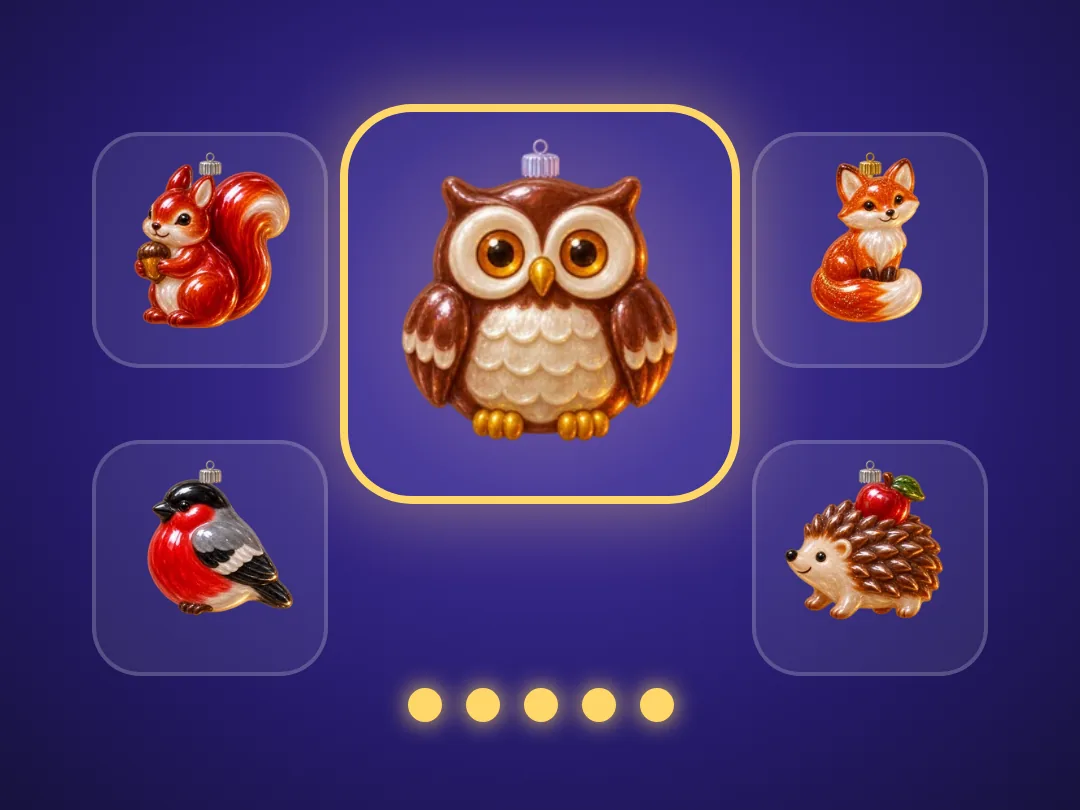
- Boxes for growth. Every new stage gives you a box with a decoration, and on the last stage you get a box for every day you water.
- The shop. Decorations are sold for Stars from your wallet in the bot. Some are sold only in the shop — the catalog marks them.
You can play without buying anything: watering, boxes for growth and the calendar cost nothing.
The seasonal calendar
38 windows from November 24, 2026 through December 31, 2026, inclusive. A new window opens at midnight in your local time.
Tap «Calendar» in your yard, or look in the «More» menu if screen space is limited.
- On calendar days you can open today’s window and one you missed.
- After 31 December, you can open one missed window per day while the season is still open.
- The 31 December reward is the «Midnight star», which the shop doesn't sell. If you already own a decoration, the game looks for a replacement.

Friends: watering as a guest
How to invite a friend and send them a link to your tree
- In your yard, open «More», then «Friends» and «Invite friends». Tap «Send the link» and choose a Telegram chat, or tap «Copy» and paste the link yourself.
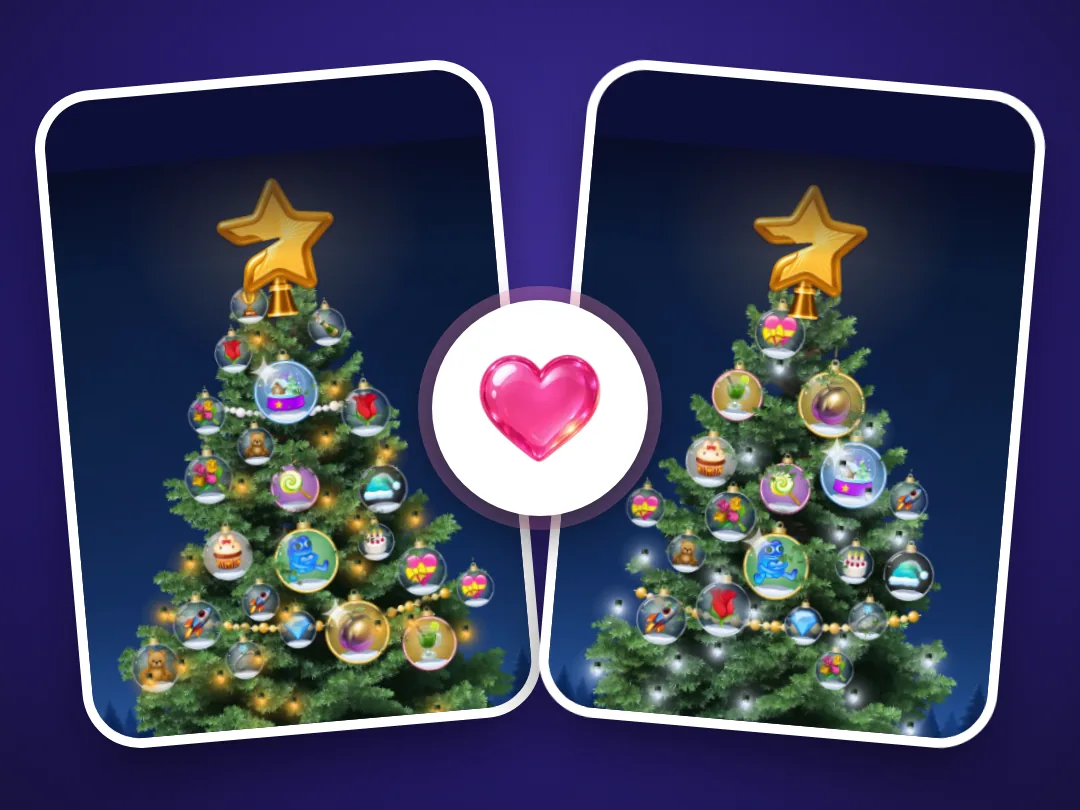
- The link takes your friend to your yard in the mini app. They can see your tree and care for it when they have access to the game and guest watering is available.
- A friend can water the same tree every four hours, up to three times a day. The host’s tree gains growth within its daily limit. The visitor can earn snowflakes while their daily watering reward is available.
- The friends list shows who watered your tree. Use «Water back» or «Water them all back» when those actions are available.
See the game rules for the daily watering limits and how much growth the host's tree can gain.

A gift under the tree
You can put a gift under a friend's tree — Stars from your wallet.
- Open your friend's tree and choose an amount: a ready one or your own.
- Decide how to sign it: «Sign it with my name», or leave it «from a friend».
Until the holiday the tree's owner does not see the amount — only a gift under the tree. The gift opens at midnight on New Year's Eve. You cannot take it back, and if it is not opened by the end of the season, the Stars come back to you.
New Year's night
On 31 December the tree waits for midnight: a countdown, fireworks at midnight, and the gifts under the tree can be opened. Midnight comes by the clock of the person opening them, not by Moscow time.
A postcard with your tree
How to share a postcard from your own tree in Telegram
- In your yard, open «More» and select «Share your tree».
- Choose «Chat 4:5» for a message or «Story 9:16» for a Telegram story. Wait for the preview and tap Share postcard. If the clip is ready, you can tap Share clip instead.
- Try updating Telegram if direct sharing is unavailable. You can also tap «Save» when the picture is ready and attach it to a chat yourself. To send just the link, copy it from the share screen or the friends menu.
Memorial baubles
Besides decorations, the tree can hold memorial baubles — for things you did in the bot: a status card, buying Telegram Premium, winning a raffle, a Stars giveaway in a chat, creating a cheque, and friends who came and bought. They are not sold and do not drop from boxes.

Make a wish list for your tree
Open «More» in your yard, choose Wish list and tap Add a wish. Open a wish card and tap Share to send that one wish, or use the button at the bottom of the list to send the full list. A friend can follow the link to the wish while it is available, or to the list if that’s what you shared. They need access to the game to interact with your yard.
Secret Santa in the winter yard
Open More and choose Secret Santa. Create a circle or join by invitation, then set your wishes. After the draw, each player sees their own recipient. For a group that only needs to draw names, the web Secret Santa draw gives each participant a private link.
Frequently asked questions
Where can I play the New Year tree in Telegram?
In the Shiba Bank app inside Telegram: open the bot @shiba_bank_app, launch the app and tap the «New Year tree» tile on its home screen.
How do I grow the tree faster?
Water it every day when the can is full, catch the snowflake of the day and invite friends — their watering grows your tree too.
How do I hang a gift on the tree?
The Telegram gifts on your profile become baubles by themselves in the «Decorate» section.
When do the gifts under the tree open?
At midnight on New Year's Eve, by the clock of the person opening them. Gifts left unopened by the end of the season go back to their givers.
Can I open a missed calendar window?
Yes. You can open one missed window per local day through the last day of the season, including after 31 December.
Can I give Stars under the tree anonymously?
Yes: if you do not choose «Sign it with my name», the tag says «from a friend».
Is it paid?
No. Watering, boxes for growth and the calendar cost nothing. Decorations in the shop cost Stars from the wallet.
When can I start watering my tree and when does the season end?
Check the first watering day and the last day of the season on the game page. Those dates follow Moscow time. The calendar windows and the midnight gift opening follow your local time.
How do I send a friend the link to my virtual tree?
In your yard, open «More», then «Friends» and «Invite friends». Tap «Send the link» or «Copy». Your friend can follow the link when they have access to the game.
Was this guide helpful?